


Discover email security best practices for business email security. Learn actionable steps to protect your company from threats and keep your business email safe.

September 25, 2026
.avif)
.avif)
.avif)
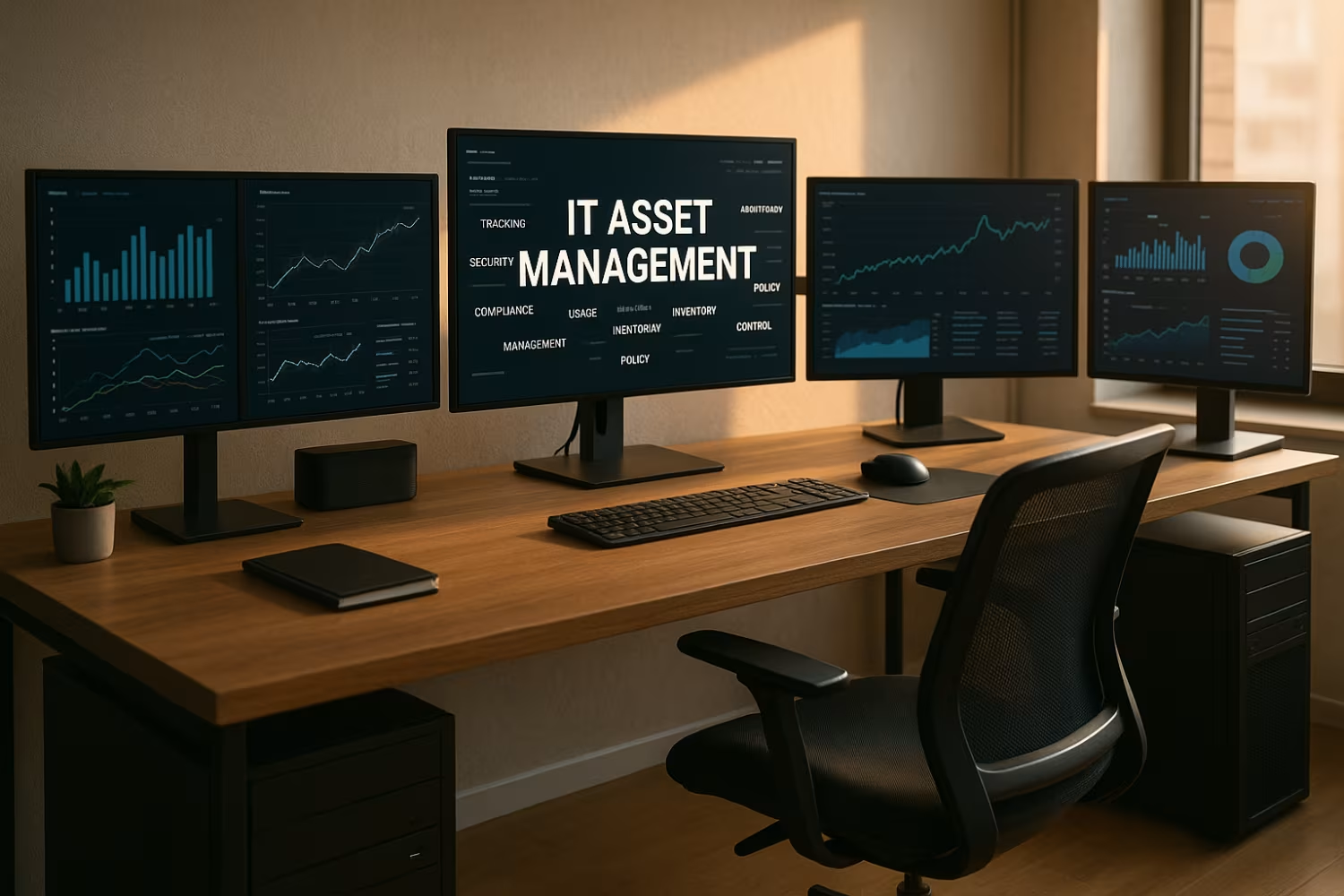
Managing your company’s hardware and software is more than just tracking devices. IT asset management helps you stay organized, reduce waste, and stay compliant. In this blog, you’ll learn what IT asset management really means, how it supports your business, and the common myths that can lead to costly mistakes. We’ll also cover key benefits, tools, and best practices to help you make smarter decisions about your technology.
IT asset management (ITAM) is the process of tracking and managing all the technology assets in your business. This includes everything from laptops and mobile devices to servers and software licenses. The goal is to make sure your assets are used efficiently, stay secure, and follow company and legal rules.
A strong ITAM strategy helps you understand what you own, where it is, how it’s being used, and when it needs to be replaced. It also supports budgeting, planning, and compliance. For businesses in areas like Rochester Hills, Michigan, where regulations and audits can impact operations, having clear visibility into your assets is essential. ITAM also plays a key role in service management and supports other IT processes like configuration management and change management.

Misunderstandings about IT asset management can lead to poor decisions and wasted resources. Let’s break down some of the most common myths and what you should know instead.
Many people think ITAM only tracks physical items like laptops or servers. But it also includes software assets, cloud subscriptions, and even mobile devices. Ignoring software asset management can lead to compliance issues and overspending.
Using spreadsheets might work for a small team, but they quickly become outdated and error-prone. A dedicated asset management tool offers real-time visibility, automation, and better control over your asset lifecycle.
IT asset management is not something you set and forget. Assets change hands, get updated, or retired. Ongoing tracking and updates are necessary to keep your data accurate and useful.
While IT teams manage the tools, other departments like finance, HR, and compliance also rely on asset data. ITAM supports budgeting, audits, and employee onboarding, making it a company-wide concern.
Untracked or outdated assets can become security risks. Without proper inventory management, it’s easy to miss software updates or leave old devices connected to your network.
Not all management software is created equal. Some focus on hardware, others on software, and some offer full lifecycle management. Choosing the right tool depends on your business needs.
A reliable ITAM system can bring major improvements to your business:
The asset lifecycle includes everything from buying new equipment to retiring old devices. IT asset management helps you manage each stage efficiently. From deployment to disposal, ITAM ensures you know where your assets are, who’s using them, and when they need updates or replacements.
This process also supports lifecycle management by helping you plan ahead. For example, knowing when laptops are due for replacement helps you budget and avoid downtime. ITAM also connects with your CMDB (Configuration Management Database) to support ITIL practices and improve service delivery.
Automation can make IT asset management faster and more accurate. Here are some steps to get started:
Before automating, define what you want to achieve. This could be better inventory tracking, improved compliance, or faster deployment.
Look for asset management software that fits your needs. Some tools focus on hardware, others on software, and some offer full automation and integration with ITSM platforms.
Connect your ITAM tool with other systems like service desks, procurement, and HR. This improves visibility and reduces manual work.
Automate tasks like software updates, license tracking, and asset discovery. This helps reduce errors and keeps your data current.
Make sure everyone understands how to use the system. Good training helps avoid mistakes and ensures consistent processes.
Check your ITAM process often. Look for gaps, outdated data, or areas where automation could help more.

Getting started with IT asset management doesn’t have to be overwhelming. Start small by tracking your most valuable assets—like laptops, servers, and key software licenses. Use simple tools at first, then scale up as your needs grow.
Make sure to include both hardware and software in your inventory. Don’t forget mobile devices, which are often overlooked. Set up regular reviews to update your records and retire old assets. And always involve other departments to make sure your data is complete and useful.
Follow these tips to keep your ITAM process effective:
A few small changes can lead to better visibility, lower costs, and fewer surprises.

Are you a business with 15–80 employees looking to improve how you manage your IT assets? If you're growing and need better control over your hardware, software, and processes, we can help.
At Leet Services, we specialize in helping businesses like yours streamline IT asset management. Our team can guide you through setup, automation, and ongoing support. Whether you need help with compliance, lifecycle planning, or choosing the right tools, we’re here to make it easier.
ITAM focuses specifically on technology assets like laptops, servers, and software. General asset management includes other types of assets, such as vehicles or office furniture. ITAM helps businesses manage software licenses, track hardware and software, and ensure compliance with IT policies.
By using ITAM, you gain better visibility into your IT environment. This includes everything from mobile devices to cloud-based software. It also supports configuration management and helps reduce risk by identifying outdated or unused assets.
ITAM provides accurate data that supports IT service management (ITSM). When your service desk knows what assets a user has, it can resolve issues faster. ITAM also helps with change management by tracking asset history and dependencies.
This connection improves lifecycle management and supports ITIL practices. It also helps automate routine tasks like software deployment or hardware replacement. With better data, your service team can work more efficiently.
The asset management process includes identifying, tracking, maintaining, and retiring IT assets. It starts when you purchase a device or software and ends when it’s removed from service. Each step should be documented and managed.
This process helps with compliance, budgeting, and planning. It also ensures that your hardware and software are used effectively. A good asset management tool can automate many of these steps and reduce manual errors.
Automation helps keep your asset data accurate and up to date. It reduces the need for manual entry, which can lead to mistakes. Automated tools can track software usage, update inventory, and alert you to license issues.
This makes it easier to manage software assets and stay compliant. It also improves visibility across your organization. Automation supports best practices and helps you optimize your IT resources.
ITAM helps reduce risk by keeping track of all your technology assets. When you know what you have and where it is, you can spot vulnerabilities faster. This includes outdated software or unapproved devices.
It also supports compliance with software license agreements and data protection rules. By managing your asset lifecycle properly, you avoid surprises and improve security. ITAM also helps you prepare for audits and reduce downtime.
Common tools include asset management software, CMDB systems, and inventory management platforms. These tools help track hardware and software, manage licenses, and automate updates.
The right tool depends on your business size and needs. Some tools focus on software license tracking, while others offer full lifecycle support. Good tools also integrate with your ITSM system and provide real-time visibility.
.avif)
My interest in technology began early, back in 1993 with a Macintosh SE. By the age of ten, I had already built my first PC, and within a few years, I was repairing and upgrading computers for people in my community. At fifteen, I started LEET Services, taking on IT work even before I was old enough to drive. A request to help a local business with their IT marked a turning point, leading me from home calls into the world of business technology.