.svg)

Discover essential password management best practices to safeguard your business. Learn why a strong password policy for business is crucial for security.

October 30, 2026
Keeping your business running smoothly means making sure your servers are healthy and reliable. In this blog, you’ll learn about server monitoring best practices, how to avoid common mistakes, and what features to look for in a monitoring tool. We’ll cover how to set up alerts, use dashboards, and track important metrics like CPU usage and disk space. You’ll also find troubleshooting tips, optimizing uptime, and using historical data to improve server performance.
Server monitoring best practices are the foundation of a reliable IT environment. By following these guidelines, you can catch small problems before they turn into outages that disrupt your business. Monitoring helps you see how your servers are performing, spot unusual activity, and keep your systems running at their best.
A good monitoring system will track key metrics like CPU, memory, and disk usage. It will also send alerts when something goes wrong, so you can respond quickly. When you set up monitoring, you’re not just protecting your servers—you’re making sure your team and customers have a better user experience.

Even with the best intentions, it’s easy to make mistakes that weaken your monitoring strategy. Here are some key areas to watch out for:
Focusing only on servers and skipping network monitoring can leave gaps in your visibility. If your network slows down or fails, your servers might look fine, but users will still have problems. Make sure your monitoring covers both servers and the network for a complete picture.
Relying on manual checks or basic tools isn’t enough. A dedicated monitoring system automates data collection and alerting, so you don’t miss critical issues. It also helps you track trends over time and spot problems early.
Some teams only monitor uptime or CPU usage. But other metrics, like disk space, memory, and response time, are just as important. Tracking a range of metrics gives you a better sense of server health and helps with troubleshooting.
If your alerts are too sensitive, you’ll get flooded with notifications and start ignoring them. If they’re not sensitive enough, you might miss real problems. Take time to configure alerts based on realistic thresholds and business needs.
Looking only at real-time data can hide slow-building issues. Reviewing historical data helps you spot trends, predict problems, and plan for upgrades before something breaks.
A generic dashboard can be confusing or cluttered. Customize your dashboard to show the most important information for your team, so you can act quickly when issues arise.
When choosing a monitoring tool, look for these must-have features:
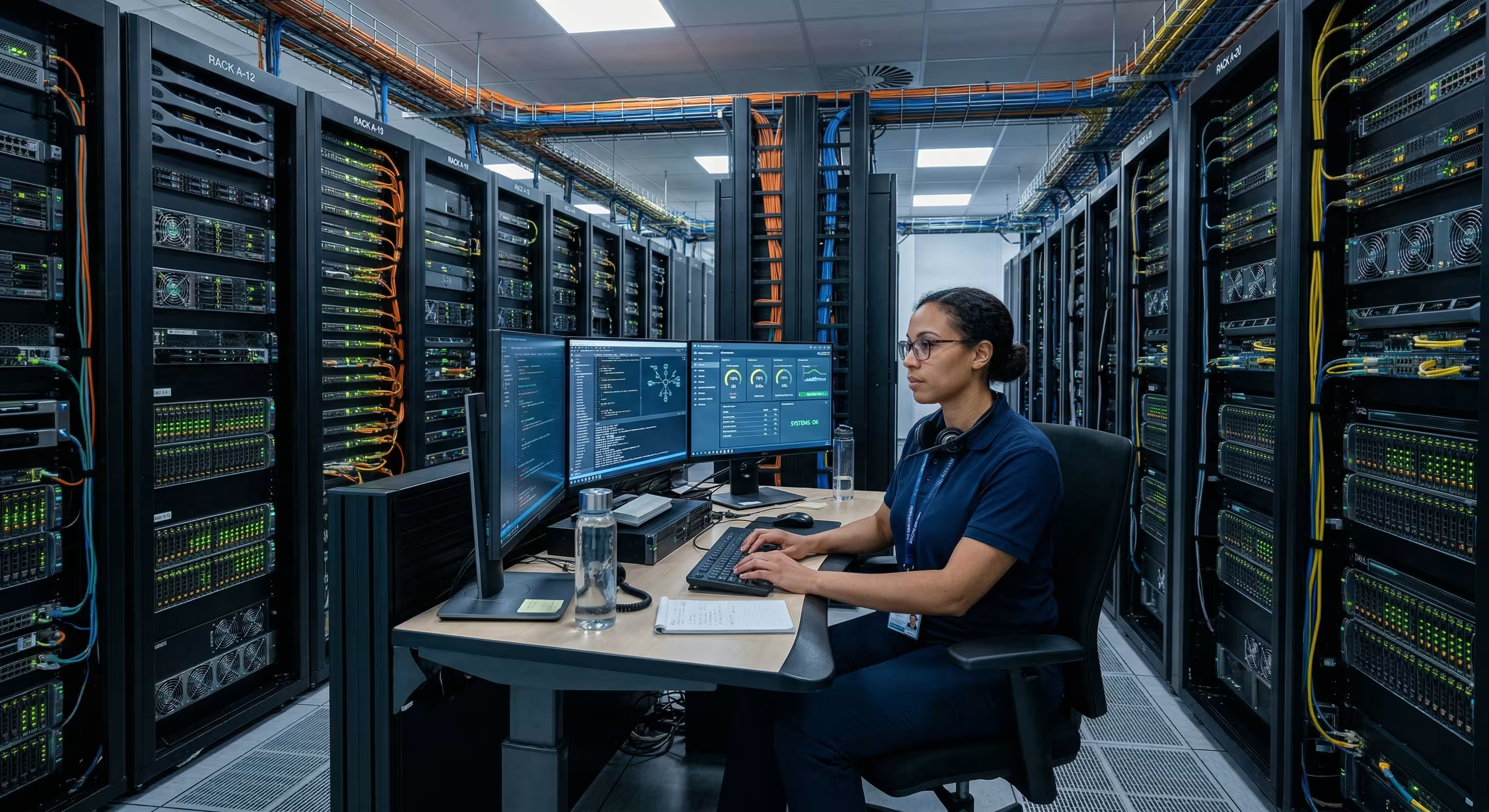
A strong monitoring strategy combines technology, processes, and people. Start by identifying which servers and applications are most important to your business. Decide which metrics matter most, such as CPU, memory, disk, and network utilization. Set clear thresholds for alerts, so you know when to take action.
Regularly review your monitoring setup to make sure it still fits your needs. As your business grows, your monitoring strategy should evolve too. Involve your IT team in the process, and make sure everyone knows how to respond to alerts and troubleshoot issues.
Improving your network monitoring best practices can make a big difference in server reliability. Here are some steps to follow:
Start by reviewing your current monitoring tool. Does it cover your entire network and all critical servers? If not, consider upgrading or adding new features.
Work with your team to define realistic thresholds for CPU, memory, and disk usage. This helps you avoid false alarms and focus on real problems.
Don’t just watch the servers—monitor your network for slowdowns, bottlenecks, or outages. This gives you better network visibility and helps prevent downtime.
Automated monitoring systems can track performance 24/7 and send instant alerts. This reduces manual work and helps you respond faster to issues.
As your business changes, your monitoring needs may change too. Review your setup at least twice a year and update it as needed.
Make sure everyone knows how to use the monitoring tool, read dashboards, and respond to alerts. Training helps your team act quickly when something goes wrong.

When you’re ready to put server monitoring best practices into action, start small and scale up. Begin by monitoring your most important servers and applications, then expand to cover your entire network. Use monitoring software that fits your business size and technical skills.
Set up regular reviews to check if your monitoring solution is working as expected. Collect feedback from your team and adjust your approach as needed. Remember, the goal is to catch problems early and keep your business running smoothly.
Following best practices for server monitoring can help you avoid downtime and improve performance. Here are some key tips:
Sticking to these best practices will help you optimize your servers and deliver a better user experience.

Are you a business with 15-80 employees looking to improve your server monitoring? Growing companies need reliable systems to support their teams and customers. Our team understands the challenges of keeping servers healthy and minimizing downtime.
We offer expert guidance on server monitoring best practices, from choosing the right monitoring tool to setting up alerts and dashboards. Let us help you build a monitoring strategy that fits your business and keeps your IT running smoothly. Contact us today to get started.
To keep your servers in top shape, always monitor key metrics like CPU usage, disk space, and memory. Setting up a reliable monitoring tool will help you catch problems early and avoid unexpected outages. Regularly review your dashboard and update your monitoring system as your business grows.
It’s also important to configure alerts for critical thresholds. This way, you’ll know right away if something needs your attention. Using historical data can help you spot trends and plan for future upgrades.
Start by listing the features you need, such as real-time alerts, customizable dashboards, and support for web server monitoring. Compare different monitoring solutions to see which ones fit your technical skills and business size. Look for tools that are easy to configure and integrate with your existing systems.
Don’t forget to check if the tool can track important metrics and provide detailed reports. A good monitoring software will help you optimize server performance and improve user experience.
Network monitoring helps you see the bigger picture. Even if your servers are running well, network issues can slow down applications and frustrate users. By monitoring your entire network, you can spot slowdowns, bottlenecks, or outages before they impact your business.
A strong network monitoring system gives you better network visibility and helps you troubleshoot problems faster. This leads to improved uptime and a smoother user experience.
Focus on metrics that show how your servers and applications are performing. These include CPU usage, memory utilization, disk space, and response time. Monitoring these metrics helps you catch issues before they turn into outages.
You should also track application performance and uptime. Reviewing historical data lets you see patterns and make smarter decisions about upgrades or changes.
It’s a good idea to review your monitoring strategy at least twice a year. As your business changes, your monitoring needs might change too. Regular reviews help you catch gaps in your monitoring system and keep your setup current.
Involve your IT team in the process and adjust your thresholds, alerts, and dashboards as needed. This keeps your monitoring solution effective and reliable.
One challenge is setting thresholds that are too strict or too loose, which can lead to too many or too few alerts. Take time to configure your monitoring tool with realistic thresholds based on your business needs. Another challenge is keeping up with new servers or applications as your business grows.
To overcome these issues, schedule regular reviews and train your team on monitoring best practices. This will help you optimize your monitoring system and avoid missed problems.
.avif)
My interest in technology began early, back in 1993 with a Macintosh SE. By the age of ten, I had already built my first PC, and within a few years, I was repairing and upgrading computers for people in my community. At fifteen, I started LEET Services, taking on IT work even before I was old enough to drive. A request to help a local business with their IT marked a turning point, leading me from home calls into the world of business technology.