



Discover what multi-factor authentication is and how a staged rollout can enhance security without disrupting productivity.

October 9, 2026
Rolling out multi-factor authentication everywhere at once often leads to more problems than it solves. Starting with your highest-risk systems first helps avoid lockouts and support overload, making security improvements stick.
When a login is protected by nothing more than a password, one leaked credential is enough to open the door to email, financial systems, or stored client data — and that single point of failure is what a security upgrade is meant to close. The trouble comes from how the upgrade gets introduced.
Rushing multi-factor authentication onto every account at once tends to lock out legitimate users, bury the helpdesk in tickets, and burn productivity precisely while it's trying to protect it. Worse, that friction often ends with a frustrated team quietly switching MFA back off, leaving the business no safer than before.
Multi-factor authentication works by requiring a second proof alongside the password — a code from a phone, a fingerprint scan, something an attacker can't simply guess or steal alongside stolen login details. That second layer is what makes a stolen password far less useful on its own. The question, then, isn't whether to adopt it but how.
Most companies already treat MFA as a baseline requirement, not an optional extra. Yet the rollout method decides whether that requirement strengthens the business or destabilizes it for weeks. A staged approach, starting with the riskiest systems first, consistently produces smoother adoption and fewer support headaches than switching everything on overnight.
That means treating the rollout as a project in timing and planning, not a single technical switch. Each phase should match how the team actually works, rather than following generic advice wholesale.

A single company-wide switch to MFA looks efficient on paper, promising fast, uniform protection. In practice, that speed is exactly what causes the trouble: overnight change gives users no time to adjust, so accounts lock and support queues back up immediately.
A phased rollout avoids that collision by concentrating first on the systems that carry the most risk, such as email or financial platforms. Because only one group of systems changes at a time, problems surface early, in a contained way, rather than cascading across the whole organization at once.
That containment is also what makes correction possible. A pattern of lockouts or setup errors in phase one becomes a fixable lesson before phase two begins, an adjustment that's simply unavailable once every system has already changed simultaneously.
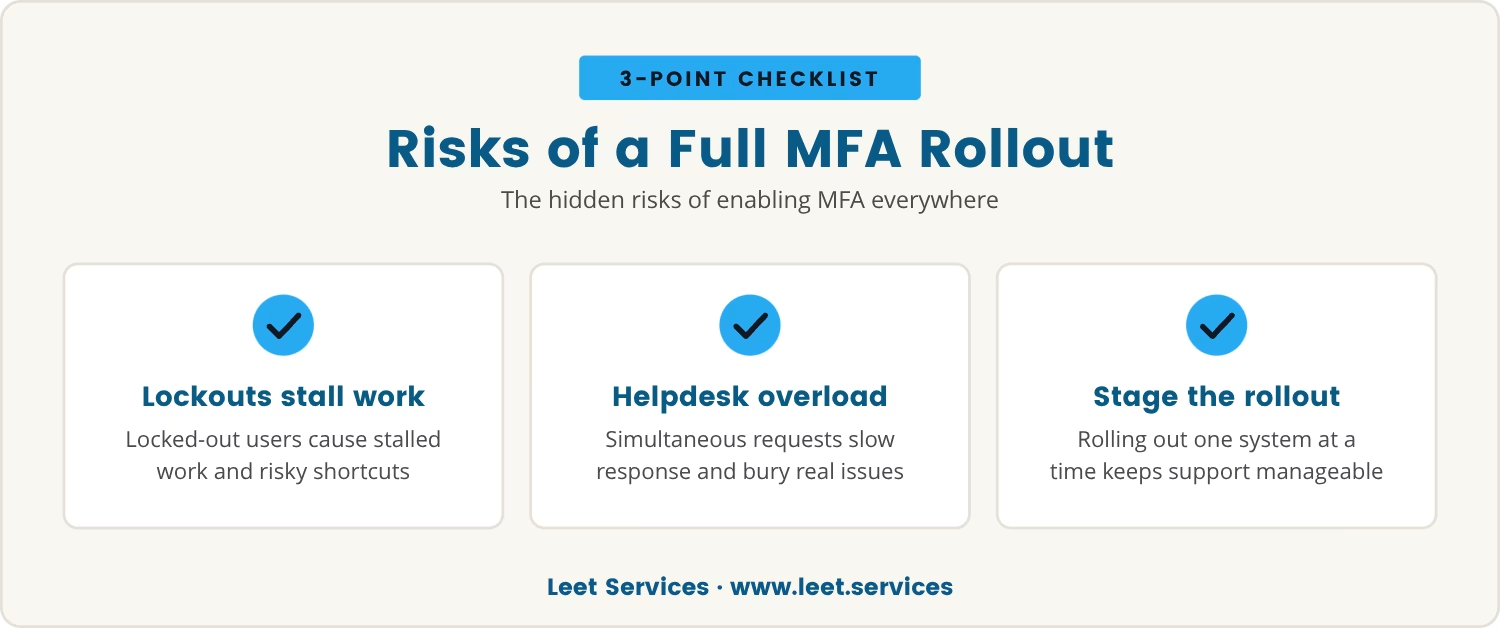
More security sounds like an unambiguous good, yet flipping MFA on across every system in a single move creates risks of its own. Locked-out users mean stalled work, and stalled work pushes teams toward shortcuts — sharing credentials or disabling MFA outright — that quietly cancel out the protection just added.
That breakdown usually starts at the helpdesk. A flood of simultaneous requests slows response times, so real issues get lost in the queue, and the resulting frustration is often what drives a request to abandon MFA altogether, erasing the progress the rollout was meant to deliver.
A staged rollout heads off that spiral by keeping the support load matched to one system at a time, so help stays targeted and operations keep running.
Multi-factor authentication is a security method that requires users to provide two or more types of proof before accessing an account. The most common setup pairs something you know, like a password, with something you have, such as a code from an authenticator app, or something you are, like a fingerprint.
That extra layer is what makes stealing a password no longer enough on its own, which is why MFA has become a baseline requirement for protecting sensitive data across most industries.
In Rochester Hills and similar communities, businesses increasingly face the expectation of using MFA to meet security requirements and guard against cyber threats. Getting the rollout approach right is often what separates a smooth transition from a costly disruption.
Rolling out MFA well takes more than flipping a switch; several factors decide whether the process goes smoothly or creates setbacks. Consider these in sequence:
Start by listing the applications and systems that hold the most sensitive data. These are the strongest candidates for the first phase of MFA.
Let the team know what's changing, why it matters, and what steps they'll need to take. Clear communication heads off confusion before it starts and reduces resistance.
Choose a pilot group to try the new MFA setup first. Their feedback exposes issues before they reach a wider rollout.
Make sure users have access to help the moment they get stuck. Quick, friendly support is often what prevents frustration from taking hold.
Once the first phase wraps up, review what worked and what didn't. Those lessons then shape improvements for the next stage.
Keep a record of the steps taken and the challenges encountered along the way. That documentation pays off later, both for future rollouts and for compliance needs.
Even a well-planned rollout can surface unexpected friction. Here are the most common problems, and how staging the process heads them off:
Turning MFA on is only the first step; the practices that follow determine whether the upgrade delivers lasting value:
Sequence shapes outcome: starting MFA with the most critical systems protects the biggest risks first, while giving the team room to adapt before the next phase begins. Each stage builds on the one before it, which is what keeps the change feeling manageable rather than overwhelming.
That same sequencing also reveals patterns — which authentication factors cause the most friction, or which groups need extra support — and those patterns are what make each future rollout smoother than the last.
If MFA is on the table for a business, one question cuts through the planning: which system would cause the most trouble if users were locked out of it tomorrow? That's usually the right place to start.
Security improvements only count if they hold up over time, and that durability is exactly what a staged MFA rollout protects. Avoiding the setbacks that push companies to quietly disable the feature comes down to timing, support, and matching the rollout to real business needs, so the upgrade actually sticks instead of being undone a few frustrated weeks in.

Many businesses with 15 to 80 employees want to improve security but worry about disrupting daily work when adding new protections. At Leet Services, we understand how important it is to keep your team productive while making these changes.
If you’re considering MFA, we invite you to see how our approach balances security with a smooth rollout. Let’s talk about what would work best for your setup.
Try Leet Services for your MFA project—if you and your team aren’t completely satisfied in the first 30 days, we’ll refund your entire initial investment.
Start with applications that store sensitive information or control access to important business functions, such as email, financial software, and file storage. Protecting these first reduces the biggest risks while keeping the rollout manageable for the team.
A lost phone or an inaccessible authenticator app calls for a backup plan, and most MFA solutions offer backup codes or alternative verification methods for exactly this situation. Users should know how to use these options in advance, with an IT process ready to step in when needed.
MFA adds an extra step to login, but a well-chosen setup keeps that step brief rather than disruptive. Push notifications and biometric authentication both keep the process quick, and training users on how it works further cuts down on slowdowns.
Adaptive authentication adjusts the level of security based on factors like location, device, or time of day, giving small businesses extra protection without making every single login harder. Teams that work remotely or travel often stand to benefit most from adding it.
Yes — documentation should reflect the new MFA requirements, including how to handle lost devices, exceptions, and support procedures. Clear policies keep everyone's responsibilities obvious and help the business stay secure over the long run.
.avif)
My interest in technology began early, back in 1993 with a Macintosh SE. By the age of ten, I had already built my first PC, and within a few years, I was repairing and upgrading computers for people in my community. At fifteen, I started LEET Services, taking on IT work even before I was old enough to drive. A request to help a local business with their IT marked a turning point, leading me from home calls into the world of business technology.