


Co-managed IT vs managed IT explained: Learn what is co-managed IT, key differences, and how to choose the right support model for your business.

September 11, 2026
.avif)
.avif)
.avif)
Technology is now a core part of every architecture and engineering business. If you work as a civil engineering professional or manage a design and construction firm, you know how important reliable IT is for your daily work. In this blog, you'll learn what makes IT for engineers and architects unique, the most common mistakes to avoid, must-have features, and practical steps for smooth IT management. We'll also cover challenges, best practices, and answer your top questions about IT in this profession.
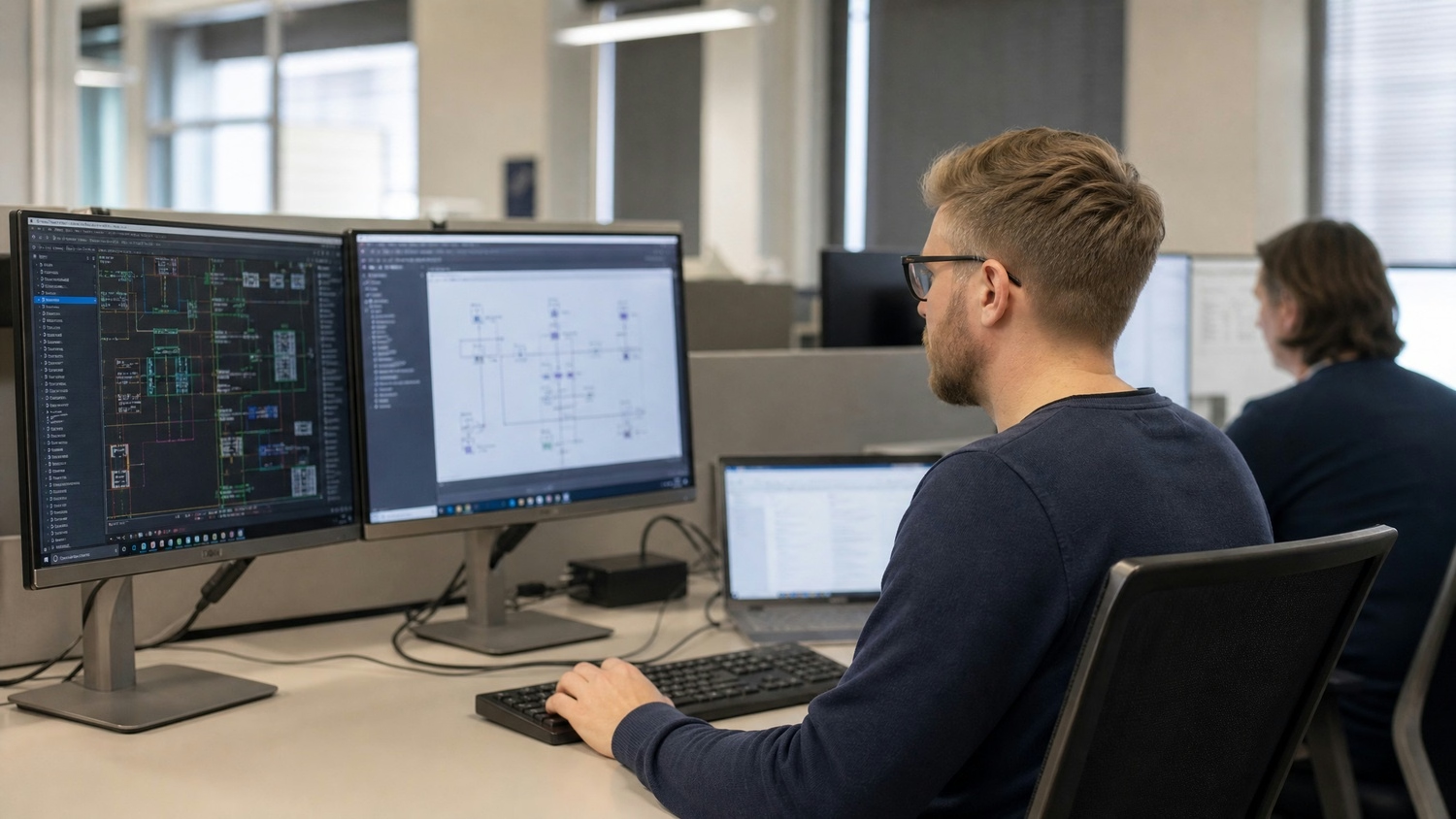
IT for engineers and architects is more than just computers and internet connections. These fields rely on powerful software, large file sharing, and secure data storage to support complex building design projects. Unlike other industries, your team needs systems that can handle 3D modeling, CAD files, and collaboration between multiple professionals.
Security is also a top concern. Projects often involve sensitive client data, proprietary designs, and compliance with industry standards. A single IT issue can delay deadlines or risk client trust. That's why IT services for architecture and engineering firms must be tailored to your unique workflows and needs.
Even experienced teams can run into trouble with IT. Here are some of the most common issues that can hurt your business if not addressed early:
Using outdated or mismatched software can cause project delays and lost work. If your engineering and architecture software isn't updated or doesn't work well together, your team may struggle to share files or collaborate.
Losing project files due to poor backup is a major risk. Without a solid backup plan, you could lose months of work if a system fails or files are accidentally deleted.
Many firms underestimate cyber threats. Without strong security, your designs and client data are at risk. Ransomware and phishing attacks can disrupt projects and damage your reputation.
Modern projects often require team members to work from different locations. If your IT setup doesn't support secure remote access, productivity drops and deadlines may be missed.
As your engineering firm takes on more projects, your IT needs will change. Failing to plan for growth can lead to slow systems and frustrated staff.
IT systems need regular updates and checks. Skipping maintenance can lead to unexpected downtime and costly repairs.
Every engineering and architecture firm should look for these features in its IT setup:

An architectural engineer often acts as the bridge between design teams and IT providers. They understand both the technical requirements of building design and the practical needs of daily operations. When planning IT for engineers and architects, it's important to involve someone who knows the software, file sizes, and collaboration tools your team uses most.
This role can also help identify gaps in your current setup. For example, an architectural engineer might notice that your current storage isn't enough for new 3D models or that your remote access tools don't support all team members. By including this perspective, your IT plan will better match your real-world needs and help avoid problems down the road.
Sustainable design is becoming a standard in architecture and engineering. Here are ways to make your IT setup support these goals:
Choosing computers, servers, and networking equipment with low power consumption helps reduce your firm's environmental impact. Look for ENERGY STAR ratings or similar certifications.
Cloud services can lower your need for on-site hardware, reducing energy use and maintenance. They also make it easier to scale up or down as projects change.
Automation tools can handle backups, updates, and file management. This saves time and reduces the risk of human error, making your processes more efficient.
Using online platforms for project management and file sharing cuts down on paper use and speeds up communication between teams.
Track how much bandwidth, storage, and computing power your team uses. This helps you spot waste and adjust your systems for better efficiency.
Teach your team how to use IT resources wisely, such as shutting down equipment when not in use or following secure file sharing protocols.
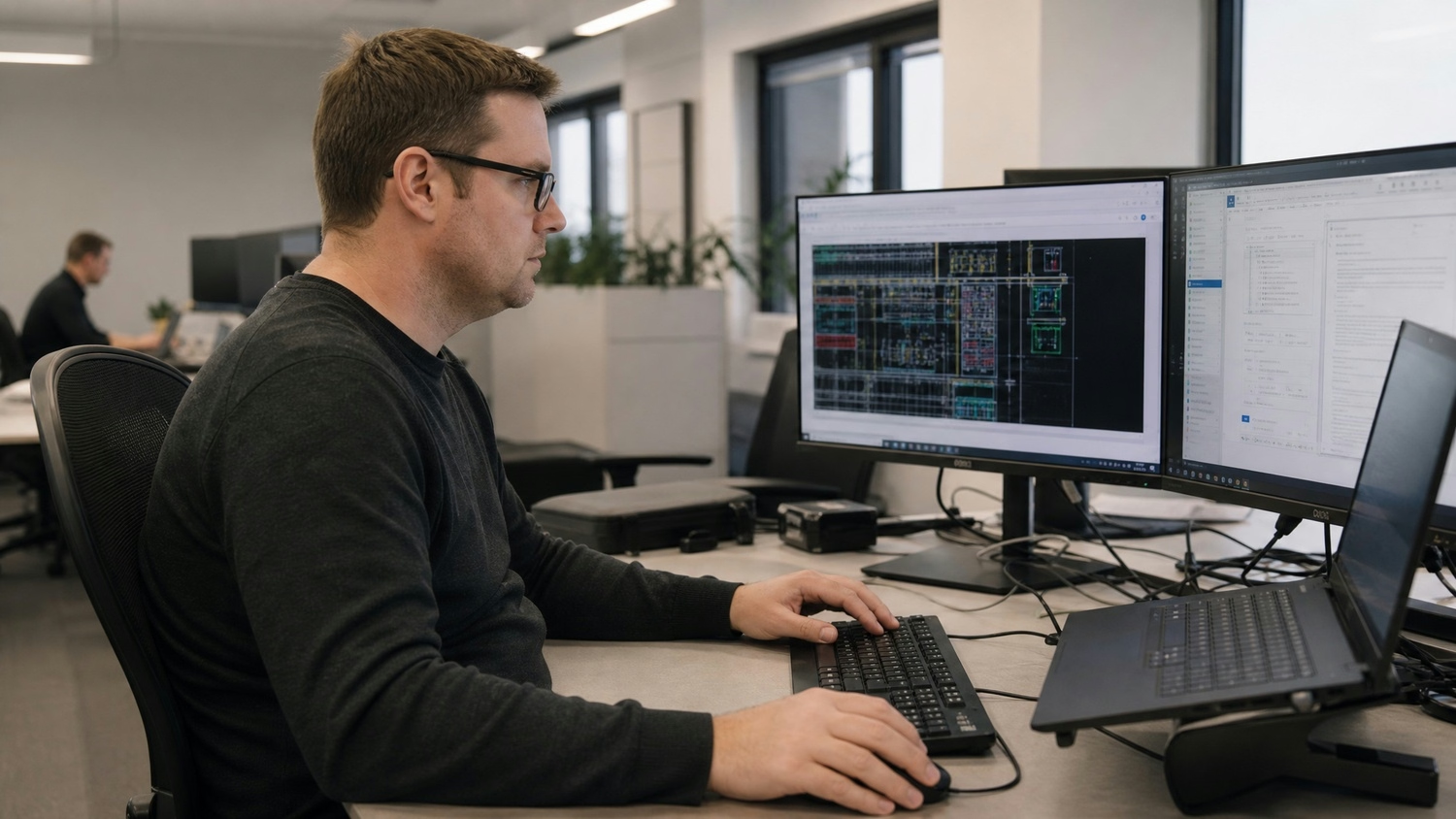
Getting the right IT setup doesn't have to be overwhelming. Start by assessing your current systems—look at what works and where problems happen most. Make a list of the software, hardware, and services your team uses every day.
Next, set clear goals for improvement. Do you need faster file sharing, better security, or more reliable backups? Prioritize these needs and look for IT services for architecture and engineering firms that specialize in your industry. Regularly review your systems and update them as your business grows or new technology becomes available.
Follow these best practices to keep your IT running smoothly:
A proactive approach will help your firm avoid common problems and stay competitive.
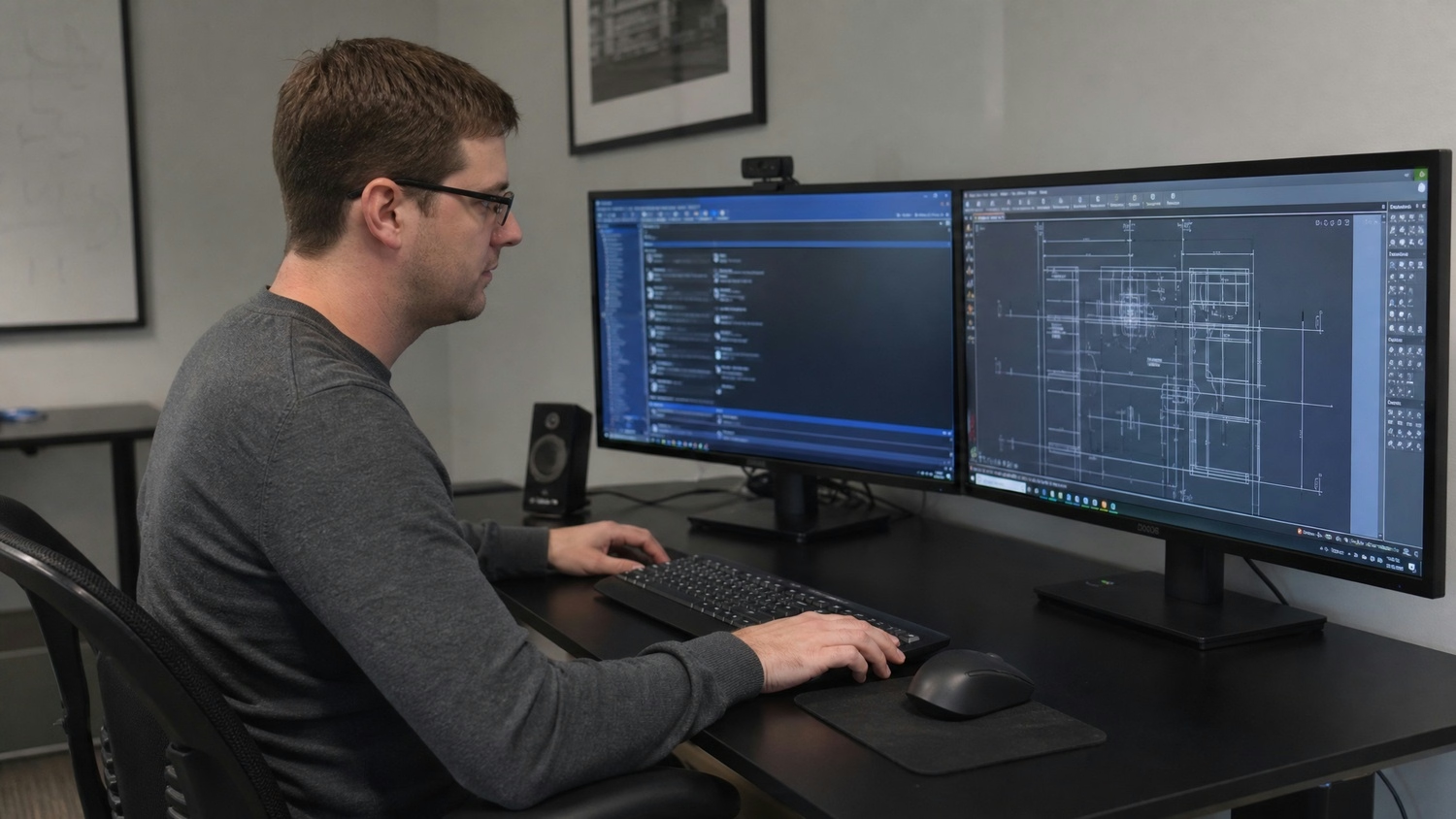
Are you a business with 15-80 employees looking to improve your IT setup? If your engineering or architecture firm is growing, you need systems that keep up with your expanding projects and team. We understand the unique challenges you face and can help you avoid the most common IT mistakes.
Our team specializes in IT services for architecture and engineering firms. We know how important secure data, reliable software, and smooth collaboration are to your success. Contact us today to see how we can support your business goals and keep your technology running at its best.
Engineers working on large projects need IT solutions that support heavy file loads and complex workflows. Look for systems that offer fast file sharing, secure cloud storage, and support for specialized software. This ensures your team can access and update files quickly, even when working remotely.
A structural engineer may also need tools for real-time collaboration and version control. These features help keep everyone on the same page and reduce the risk of errors during building design and construction.
Architects handle confidential plans and client information daily. Using strong cybersecurity tools, like firewalls and encrypted storage, is essential. Regularly updating passwords and training staff on safe online practices also helps prevent data breaches.
For architects' design teams, secure cloud storage and automatic backups add another layer of protection. This keeps your files safe from accidental loss or cyberattacks, giving clients peace of mind.
Architects and engineers need IT support that understands their industry. Look for providers with experience in architecture and engineering, as they know the software and file types you use. Quick response times and proactive maintenance are also important.
If your firm works on complex design and construction projects, choose support that offers 24/7 help and regular system checks. This reduces downtime and keeps your team productive.

My interest in technology began early, back in 1993 with a Macintosh SE. By the age of ten, I had already built my first PC, and within a few years, I was repairing and upgrading computers for people in my community. At fifteen, I started Leet, LLC, taking on IT work even before I was old enough to drive. A request to help a local business with their IT marked a turning point, leading me from home calls into the world of business technology.