
.svg)
Discover essential password management best practices to safeguard your business. Learn why a strong password policy for business is crucial for security.

October 30, 2026
Storing business passwords in browsers puts all your credentials in one place that was never meant to be secure. If one device or browser profile is compromised, every password your business depends on could be exposed in a single incident.
Most people assume that if a browser offers to remember a password, it's doing the same job a security tool would do. In practice, it isn't: every credential saved that way sits in a system built for speed, not for protection.
That distinction matters because a browser was never meant to double as a vault for sensitive business information. It was built to get you online faster, and that single-minded design leaves an opening — if someone gains access to one device or browser profile, every password stored there unlocks at once.
The odds of that access being shared more widely than you'd like are already higher than most people think. A recent survey found that 27% of people share passwords with current colleagues, and when those same credentials sit saved in a browser, that habit stops being a minor convenience and starts being a direct path to every account behind it.
That gap between convenience and control is exactly why password management best practices matter. They determine who can reach which systems, and they stop a business from resting its entire access chain on one saved-password list.

Most people don't realize how much trust they've placed in their browser until something goes wrong with it. Saving a password there takes one click, but that convenience quietly ties every business credential to a single tool.
Once someone reaches a device — through theft, malware, or just a weak login — they can often view every password the browser has saved. That's not only a personal problem. For a business, it means one breach can expose everything from the email account to the financial systems behind it.
Part of the reason is that browsers were never built with the same protections dedicated password managers carry. They typically skip strong encryption, audit trails, and alerts for suspicious activity, which leaves them as the weakest link in an otherwise reasonable security chain.
The result is that browser storage centralizes access in a way that's nearly impossible to monitor. If no one has reviewed how the team stores its passwords recently, the question worth asking is simple: could one compromised device put the entire business at risk?
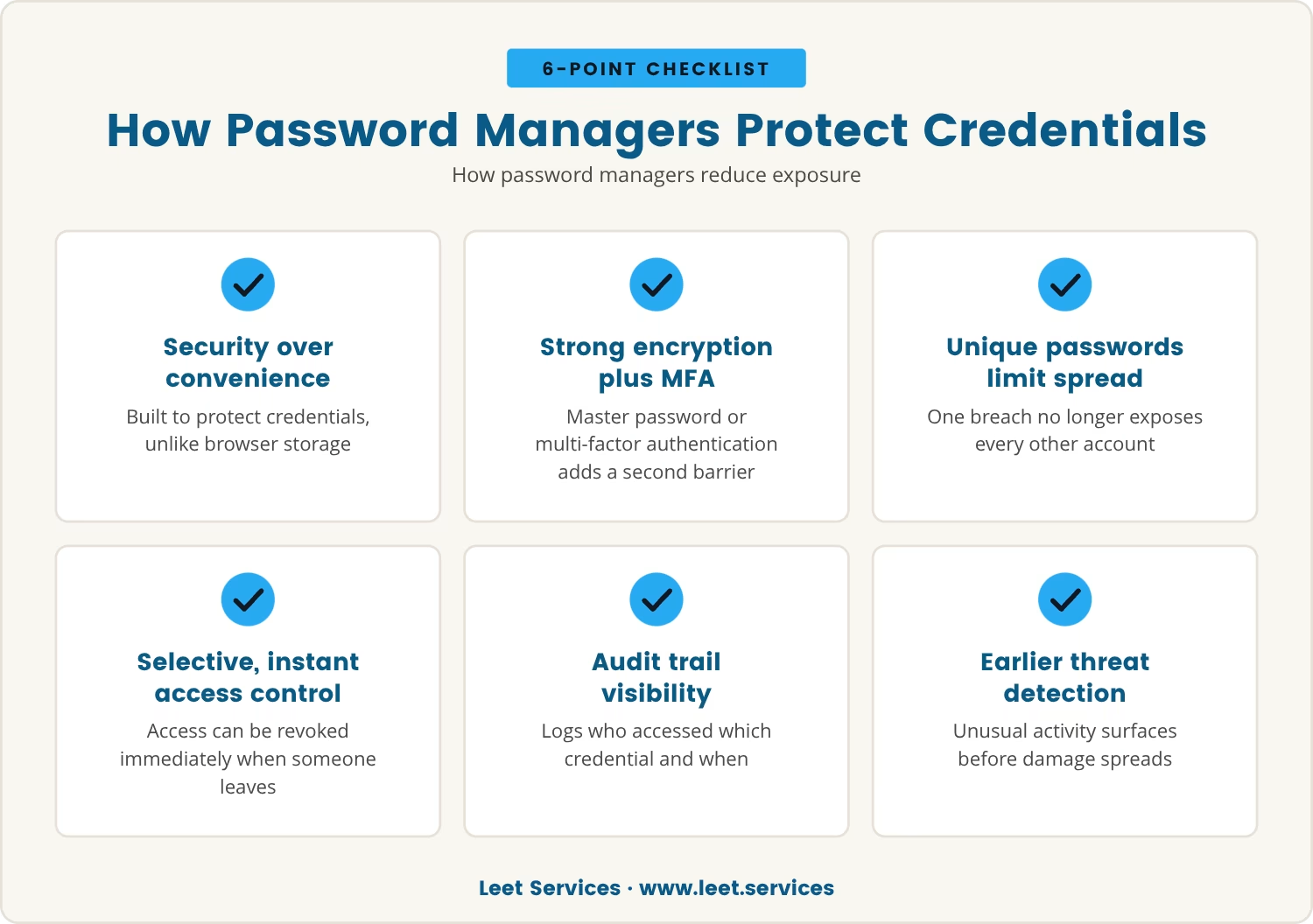
Password managers exist to keep credentials safe rather than merely convenient, which is the opposite design goal of a browser. Every username and password gets locked behind strong encryption, and a master password or multi-factor authentication (MFA) adds a second barrier before anything unlocks.
Because each account can carry its own unique password, a breach in one system no longer opens the door to the rest. Access can also be assigned selectively and revoked instantly the moment someone leaves the team, which a browser has no real mechanism for.
Some password managers go further, logging exactly who accessed which credential and when. That audit trail makes unusual activity visible early, so a response can happen before damage spreads.
Taken together, these features solve the exact problem browser storage creates: instead of pooling every credential inside a tool built for speed, a password manager places them inside a system built specifically to protect sensitive information.
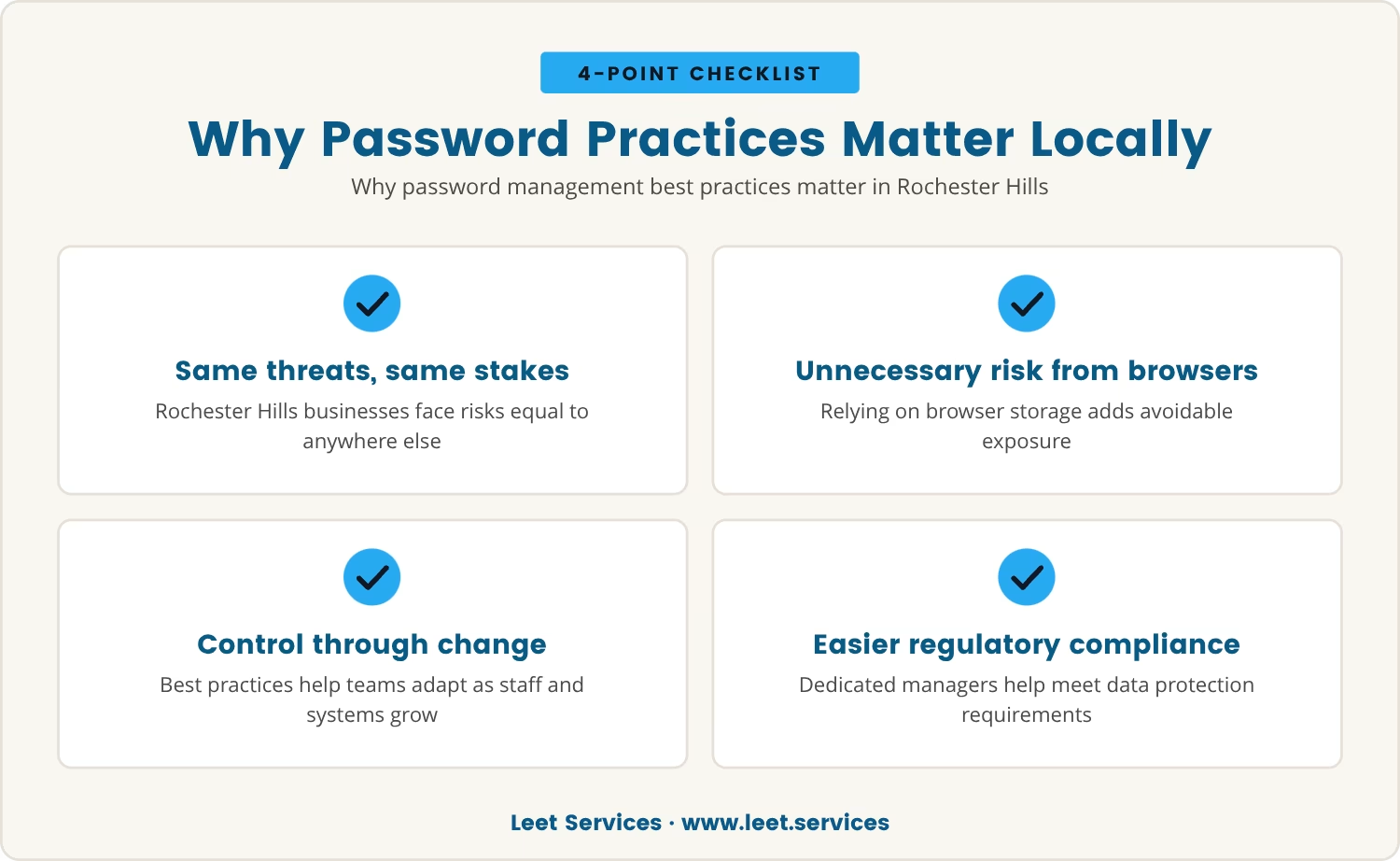
Rochester Hills businesses face the same cyber threats as companies anywhere else, so the stakes here are no lower. What separates a resilient company from a vulnerable one often comes down to how passwords are managed day to day.
A team that still leans on browsers to store credentials carries risk it doesn't need to. Password management best practices give that team a way to stay in control even as headcount changes and new systems get added.
Local regulations and industry standards may require specific protections for sensitive data, and a dedicated password manager — rather than browser storage — makes those requirements easier to meet without costly missteps later.
Considering all that, it's worth asking a direct question: are current practices strong enough that one weak point couldn't drag everything else down with it?
A browser breach rarely stays contained to a single account. Instead, it tends to trigger a chain reaction that puts the whole business at risk, unfolding in stages.
Once someone controls a browser profile, every password stored there becomes visible at once. That typically includes logins for email, cloud applications, and internal systems alike.
From there, an attacker can move from one system to the next, escalating access as they go. A single weak password is often enough to reach a far more sensitive account.
Should the attacker reach financial systems or client records, they can extract information or cause damage well before anyone notices.
Compounding the problem, browsers keep no detailed logs of who accessed what. Without that record, judging the scope of the damage or reconstructing how it happened becomes guesswork.
Beyond the immediate damage, a single breach can cost lost business, regulatory fines, and lasting reputational harm. Recovering from that outcome takes far more effort than preventing it would have.
A security incident isn't the only signal worth watching for — certain habits point to trouble well before that happens. The following are worth checking against current practice:
Convenience tends to win out in the middle of a busy workday, but security shouldn't be the trade-off. A strong password policy for business sets clear expectations and gives the team the tools it needs to actually follow them.
That starts with requiring unique, complex passwords for every system, paired with a password manager that removes the burden of remembering dozens of logins. Regular password changes and MFA, applied wherever possible, close most of the remaining gaps.
None of that holds without training — when people understand the risk behind these steps, they're far more likely to stick with them. Reviewing the policy on a regular basis keeps it current as new threats and technologies emerge.
Seen this way, a secure password policy isn't just a set of rules; it's protection against the consequences of a single weak link.
Letting a browser store business passwords means concentrating every credential in a place that was never designed to keep them safe. That single point of failure means one compromised device or profile can expose everything behind it at once.
The convenience is real, but so is the cost hiding behind it. Recovering from a breach afterward is expensive, slow, and capable of damaging a reputation for years.
Choosing password management best practices and dedicated tools instead closes off risks that would otherwise stay invisible until it's too late. That approach keeps systems secure and lets the business keep running without that hidden exposure.

Many businesses with 15 to 80 employees find themselves relying on browser password storage without realizing the risks it creates. At Leet Services, we understand how easy it is for convenience to take priority over security until a real problem appears.
If you want to see how we approach password management or want to discuss your own setup, we invite you to start a conversation with our team.
Try Leet Services with zero risk: if you and your team aren’t ecstatic in your first 30 days, we’ll refund your entire initial investment immediately.
Checking the browser settings on company devices will show whether password saving is turned on. IT tools can also audit devices for saved credentials, and disabling browser password storage in favor of a dedicated password manager closes the gap once it's found.
A password manager relies on strong encryption and usually requires a master password or MFA before it unlocks anything. It also offers audit logs and secure password sharing, features browsers typically don't have, making stored credentials far harder to reach even from a compromised device.
Yes — passwords mixing letters, numbers, and symbols are much harder for attackers to guess or crack. A password manager can generate and store these automatically, so no one on the team has to fall back on simple or reused passwords.
Regular changes are best practice, particularly for sensitive accounts or after someone leaves the company. Many experts suggest updating every 60 to 90 days, and any suspected breach or unusual activity should trigger an immediate change regardless of schedule.
Reusing a password means that a breach on one account hands attackers the key to every other account using the same credential. That risk multiplies quickly across systems, while unique passwords for each account keep any single compromise contained.
.avif)
My interest in technology began early, back in 1993 with a Macintosh SE. By the age of ten, I had already built my first PC, and within a few years, I was repairing and upgrading computers for people in my community. At fifteen, I started LEET Services, taking on IT work even before I was old enough to drive. A request to help a local business with their IT marked a turning point, leading me from home calls into the world of business technology.