


Discover email security best practices for business email security. Learn actionable steps to protect your company from threats and keep your business email safe.

September 25, 2026
.avif)
.avif)
.avif)
Managing IT is more than just keeping computers running. For businesses, effective IT management means using information technologies and information systems to meet goals, protect data, and improve daily operations. In this blog, you'll learn what IT management involves, discover common myths, and find out how to use best practices for better results. We'll also cover topics like AI, project management, certification, and how to handle hardware and software challenges.
IT management is the process of overseeing a company’s technology resources. This includes planning, organizing, and maintaining all the systems that help your business run smoothly. Good IT management keeps your data safe, your systems reliable, and your team productive.
When you manage IT well, you can avoid costly downtime and data breaches. It also helps you make smart decisions about new software, cloud computing, and cybersecurity. For any business, having a clear IT management plan means you can focus on your main goals without worrying about technical problems.
Many businesses make the same mistakes when it comes to IT management. Let’s break down some common issues and how to avoid them.
Skipping updates for your systems can leave you open to security risks. Regular updates help patch vulnerabilities and keep your hardware and software running smoothly.
An information system isn’t just about storing data. It helps you track business operations, manage customer information, and support decision-making. Not using it properly can slow down your workflow.
Not backing up your data regularly can lead to major losses if something goes wrong. Following backup best practices ensures you can recover quickly from accidents or cyberattacks.
Without clear processes, your IT team may struggle to solve problems or plan for growth. Management best practices help everyone know their roles and responsibilities.
AI can automate tasks and improve efficiency, but it’s not a magic fix. You need a plan for how AI fits into your business strategies.
If your team isn’t trained on new tools or systems, mistakes are more likely. Ongoing training keeps everyone up to date and ready for changes.
Trying to save money by cutting corners on IT can cost more in the long run. Investing in proper management protects your business from bigger problems later.
A solid IT management plan should include these important features:
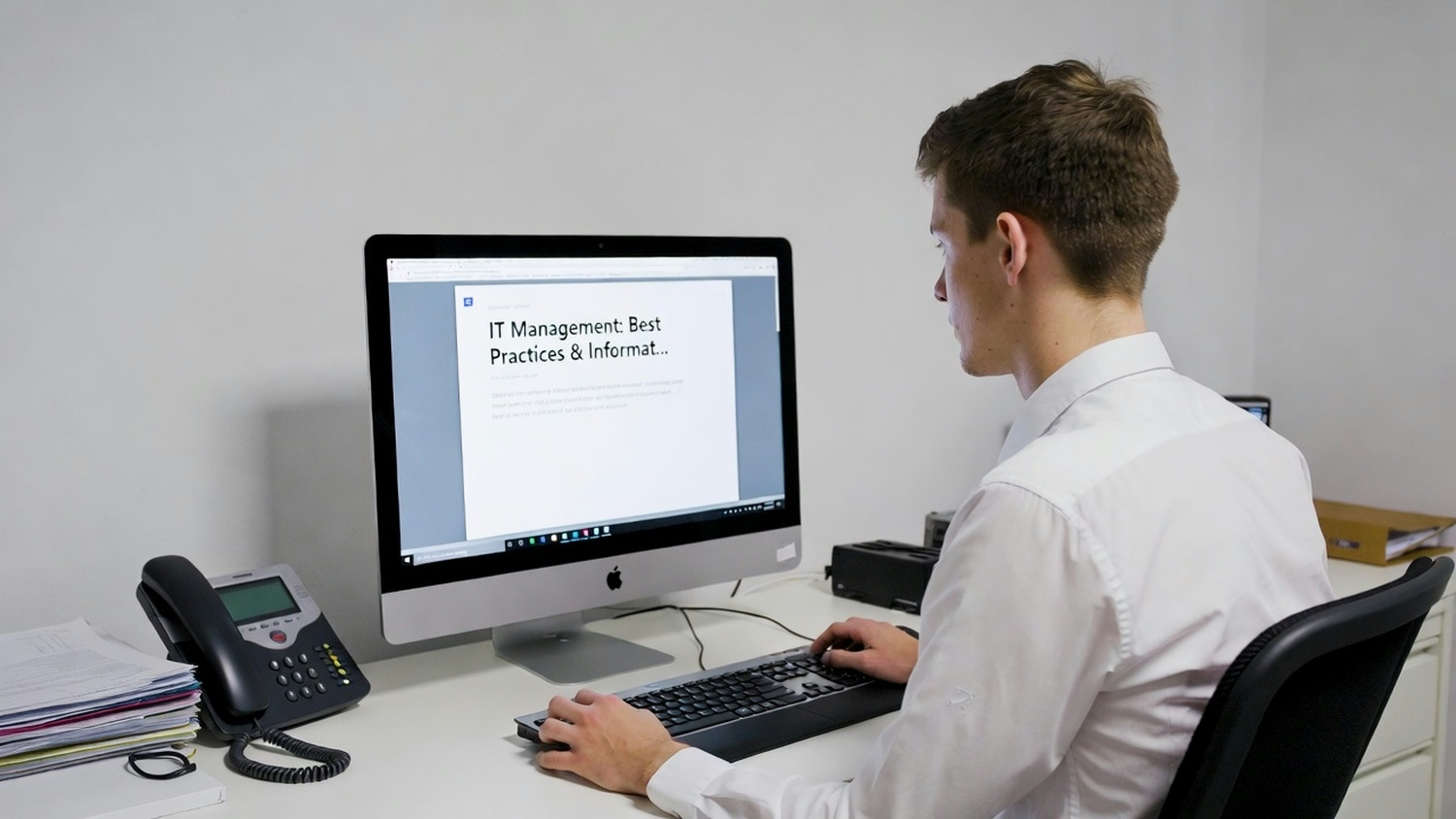
Service management is about making sure your technology services meet your business needs. Systems managers play a key role by monitoring performance, fixing issues, and planning for future growth. They help connect your business objectives with the right technology solutions.
A good systems manager will also make sure your IT asset management is up to date. This includes tracking hardware and software, making sure licenses are current, and planning for upgrades. With strong service management, your business can avoid downtime and keep employees productive.
Building a strong IT management foundation takes planning and action. Here are some important steps to follow:
Start by reviewing your current systems. Identify what’s working and where there are gaps. This helps you set priorities for improvement.
Define your business objectives and how technology can help you reach them. This makes it easier to choose the right tools and services.
Tools like Jira Service Management help you track IT requests, manage projects, and keep everyone on the same page.
A strong management team ensures your IT plans are carried out effectively. Make sure team members have the right certification and training.
Keep an eye on your systems for signs of data breaches. Early detection helps you respond quickly and protect sensitive information.
Automate routine tasks where possible. This frees up your team to focus on bigger projects and reduces the risk of human error.
Technology changes fast. Regularly review your IT management plan to make sure it still meets your business needs.

Putting IT management into action means more than just making a plan. You need to follow through with regular checks and updates. Start by setting up clear policies for how technology is used in your business. Make sure everyone knows what’s expected, from using secure passwords to reporting issues quickly.
Work with your management team to review your IT asset management regularly. This helps you spot outdated hardware and software before it causes problems. Don’t forget to schedule regular training sessions so your staff stays up to date on cybersecurity threats and new software tools.
Following best practices helps keep your IT systems safe and reliable. Here are some key tips:
Good IT management means staying alert and prepared for changes.
Are you a business with 15-80 employees looking to improve your IT management? Growing businesses often face new challenges as they add more staff and technology. We understand how important it is to keep your systems running smoothly, protect your data, and support your team’s productivity.
At Leet Services, we help you solve IT problems before they become major issues. Our team offers reliable support, guidance on IT asset management, and practical solutions tailored to your needs. Contact us today to see how we can help your business grow with confidence.
Small businesses benefit from using reliable computer systems and cloud computing services. These technologies help store data safely, support remote work, and make it easier to share information across teams. Choosing the right hardware and software is key to keeping your business running smoothly.
It’s also important to use cybersecurity tools to protect against threats. Regular updates and strong passwords help prevent data breaches and keep your information safe. By focusing on these core technologies, you can boost productivity and reduce risks.
An information system helps organize and manage your business data. It tracks sales, customer details, and inventory, making it easier to make smart decisions. With a good information system, you can quickly access the information you need to run your business.
Using artificial intelligence in your information system can also improve efficiency. AI can automate routine tasks, like sorting emails or flagging suspicious activity, so your team can focus on bigger projects.
To manage IT assets well, keep a detailed inventory of all your hardware and software. This helps you track what you own, when it needs maintenance, and when it’s time to upgrade. Regular audits make sure nothing is lost or outdated.
It’s also smart to set up clear policies for how assets are used and who is responsible for them. Training your team on these policies can prevent mistakes and keep your systems secure.
Setting clear processes for technical support helps your team solve problems faster. Use a help desk system to track requests and make sure nothing gets missed. This keeps your business operations running smoothly.
Regular training for your support staff is also important. It helps them stay up to date on new software and security threats, so they can provide better help to your employees.
AI is making it easier to automate routine IT tasks, like monitoring systems or sorting data. This saves time and reduces human error, allowing your team to focus on bigger projects. AI can also help spot security risks before they become problems.
For growing companies, using AI in technology management can improve efficiency and support business objectives. It’s important to choose AI tools that fit your needs and train your staff to use them effectively.
A management team should make cybersecurity a top priority. This means using strong passwords, updating software regularly, and training staff to spot phishing attempts. Regular security audits help find and fix weak spots in your systems.
It’s also important to have a plan for responding to data breaches. Knowing what to do if something goes wrong can help you recover quickly and protect your business reputation.
.avif)
My interest in technology began early, back in 1993 with a Macintosh SE. By the age of ten, I had already built my first PC, and within a few years, I was repairing and upgrading computers for people in my community. At fifteen, I started LEET Services, taking on IT work even before I was old enough to drive. A request to help a local business with their IT marked a turning point, leading me from home calls into the world of business technology.