


Discover how effective Mac support for business can prevent costly delays and improve productivity.

November 26, 2026
When Mac support is handled as a side task by a Windows-focused help desk, every Mac ticket takes much longer to resolve. This quietly drags down your overall IT performance and reduces employee productivity as your Apple device count grows.
A help desk ticket for a Mac doesn't move through the same steps as one for a Windows machine, and when the same technician handles both, the Mac ticket is the one that stalls.
That stall, repeated across a growing Apple fleet, is where Mac support for business stops being a minor detail and starts being an operating cost.
Most companies assume a Windows-trained help desk can simply absorb Mac issues alongside everything else. In practice, those issues tend to linger, and the drag isn't always visible right away—it builds as technicians hit the same unfamiliar territory again and again. It only becomes undeniable once the number of Apple devices on the network climbs.
A single slow ticket looks like noise. But once Mac users make up a real share of the workforce, that noise turns into a pattern, and the pattern starts touching everyone downstream. Keeping Mac support reliable isn't a side technical concern at that point—it's part of keeping the business itself running on schedule.

Treat Mac support as a side task, and the slowdowns don't announce themselves—they accumulate. A handful of tickets start taking longer than they should, and because nothing looks urgent at first, nobody flags it.
Each ticket that drags on means someone is sitting idle, unable to move forward. That idle time rarely stays contained to one desk: it slows projects, delays replies to customers, and chips away at the bottom line. The longer Mac tickets sit open, the more of that strain the business absorbs.
And the effect isn't only about one frustrated employee. Once the IT team is stretched across a growing backlog, they lose the ability to respond quickly to whatever comes in next—so the whole company slows down, and small problems get the time they need to turn into bigger ones.
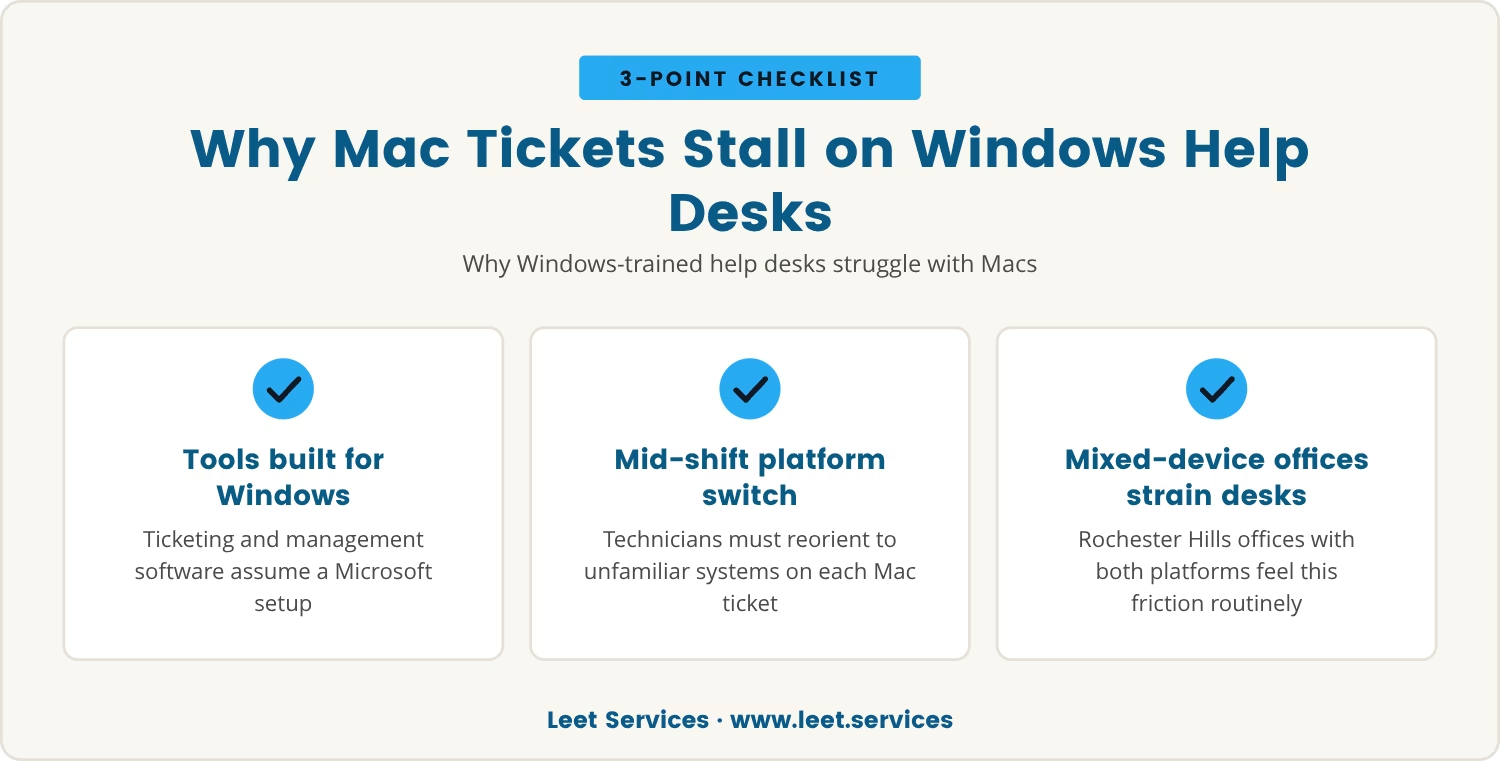
Most help desks are built, tool by tool and habit by habit, around Windows. The ticketing workflows, the shorthand technicians use, the management software on the screen—all of it assumes a Microsoft environment. So when a Mac ticket lands, the technician isn't just solving a problem; they're switching platforms mid-shift, often pausing to look something up or flag a colleague.
That switch costs more than the few minutes it visibly takes. It breaks concentration, and even a skilled technician loses time reorienting to an operating system and device management tools they don't use daily. The predictable result: Mac tickets sit longer in the queue, waiting for whoever happens to know the platform well enough to move fast.
In Rochester Hills, where mixed-device offices are the norm rather than the exception, this gap turns into a routine friction point. The more employees ask for Macs—or simply show up with their own—the harder that existing help desk has to work just to keep pace.
When Mac support isn't built into IT strategy from the start, the damage doesn't stay isolated to single tickets—it compounds. Slower resolution times on the Mac side can quietly double the average time it takes to close those tickets, and that drag pulls down the performance of the entire IT team, not just its Apple-related work.
As the business grows and adds more Macs, the proportion of tickets tied to Apple devices rises in step. Each one taking longer than it should means the backlog grows, and the team spends more hours managing old, unresolved tickets instead of getting to new ones.
That compounding shows up in a few predictable ways:
The larger the Mac fleet grows, the heavier this gets. Without support built specifically for Apple devices, the IT team falls further behind, and the business absorbs that cost in lost output.
Modern device management platforms exist to make Mac support easier, but that promise only holds if the people using them actually know the tools well. Jamf and Apple Business Manager, for instance, can automate updates, enforce security policies, and manage Apple devices at scale.
Even so, each of these platforms carries its own learning curve. A help desk unfamiliar with them may use them inconsistently or skip them altogether, and that gap shows up downstream as missed updates, uneven support, and security holes the business didn't know it had.
Buying the right management platform, then, only solves half the problem. The team still needs training and hands-on experience to get real value from it—otherwise the tool sits underused, and Mac tickets keep taking longer than they should.
Treat Mac support as extra work layered onto a Windows-first help desk, rather than a core responsibility, and a specific set of problems tends to surface. Here's how that plays out in practice.
A technician juggling both Windows and Mac requests has to stop and research the Mac-specific issue, and that pause lengthens wait times for every ticket behind it in the queue.
Without regular hands-on exposure to macOS and Apple's own support tools, technicians can miss fixes that would be obvious to someone who works on Macs daily.
Jumping between different operating systems and management tools invites mistakes—skipped steps, incomplete fixes, tickets reopened a week later.
Every minute spent waiting on a Mac fix is a minute of work that doesn't happen, and across a team, those minutes add up to delayed projects.
Lingering tickets and unhappy users wear on the technicians handling them, and that friction feeds burnout and, eventually, turnover.
A Mac issue left unresolved for too long can open the door to security vulnerabilities, compliance gaps, or outright data loss.
Bring in people who actually know Apple devices and the management tools built for them, and the equation shifts: tickets close faster, and with fewer mistakes along the way.
That expertise lets IT staff:
For a small business or a fast-growing team, that investment can look like an unnecessary cost up front. But the payoff is concrete: faster resolution, fewer frustrated employees, and an IT operation that runs more efficiently overall.
A business running both Macs and Windows PCs can't afford to keep treating Mac support as an afterthought—the delays and lost productivity compound, and the entire company's ability to hit its goals absorbs the hit.
Making Mac support a core piece of IT strategy, whether through dedicated training, targeted hiring, or a managed service provider, closes that gap and protects the team from the slowdowns described above. The earlier that gap gets addressed, the sooner operations run the way they're supposed to.

If your business has 15 to 80 employees and you’re seeing Mac tickets take longer to close, you’re not alone—many teams run into this problem as their Apple fleet grows.
We at Leet Services understand how frustrating slow Mac support can be. Let’s talk about how our approach can help you keep your team productive and your IT tickets moving.
Try Leet Services risk-free: if you and your team aren’t completely satisfied in your first 30 days, we’ll refund your entire initial investment—no questions asked.
Watch for Mac tickets consistently taking longer to close than Windows tickets, repeated complaints from Mac users, or a backlog of unresolved Apple device issues that keeps growing. A team that regularly has to research basic macOS problems or falls back on manual workarounds is showing clear signs of a process that isn't working.
Apple Business Manager automates device enrollment, centralizes app and settings management, and streamlines provisioning across a Mac fleet. That makes it far easier to keep devices secure, current, and ready to hand to a new user without a manual setup process each time.
Yes—even a small number of Macs benefits from someone with genuine Apple support experience, since that knowledge prevents delays, cuts down on errors, and keeps the team productive. Without it, even straightforward issues can take far longer to resolve than they should.
A managed service provider brings specialized Mac knowledge, takes on device management directly, and delivers consistent support across an Apple fleet. That combination keeps tickets moving quickly and keeps the internal IT team from being stretched too thin.
Inconsistent support opens the door to missed security updates, gaps in data protection, and compliance failures. Left unaddressed, those gaps expose the business to security threats and operational disruptions that cost far more than proper support would have.

My interest in technology began early, back in 1993 with a Macintosh SE. By the age of ten, I had already built my first PC, and within a few years, I was repairing and upgrading computers for people in my community. At fifteen, I started LEET Services, taking on IT work even before I was old enough to drive. A request to help a local business with their IT marked a turning point, leading me from home calls into the world of business technology.